The Journey to Finding a Single Source of Truth for Environment Variables
Introduction
The environment variable management situation I encountered after joining the company was pure chaos.
GitHub Secrets, Google Sheets, Azure Key Vault… environment variables were scattered everywhere. Every time a new project was set up or a team member onboarded, the same question kept coming up: “Where do I get this environment variable?” .env files were being passed around via Slack DMs, someone was using outdated values, and nobody was confident about which values were correct for each stage.
Our company uses Next.js extensively, which meant we had logic for directly calling third-party APIs on the server side and manipulating users through an Identity service. On top of that, we often needed to switch environments at runtime per client. Since we were also working in a hybrid remote setup, the need to quickly set up local environments and keep the entire team in sync became increasingly urgent.
This post documents the journey from that chaos to establishing a Single Source of Truth (SSOT).
| google sheet | github secret | azure key vault |
|---|---|---|
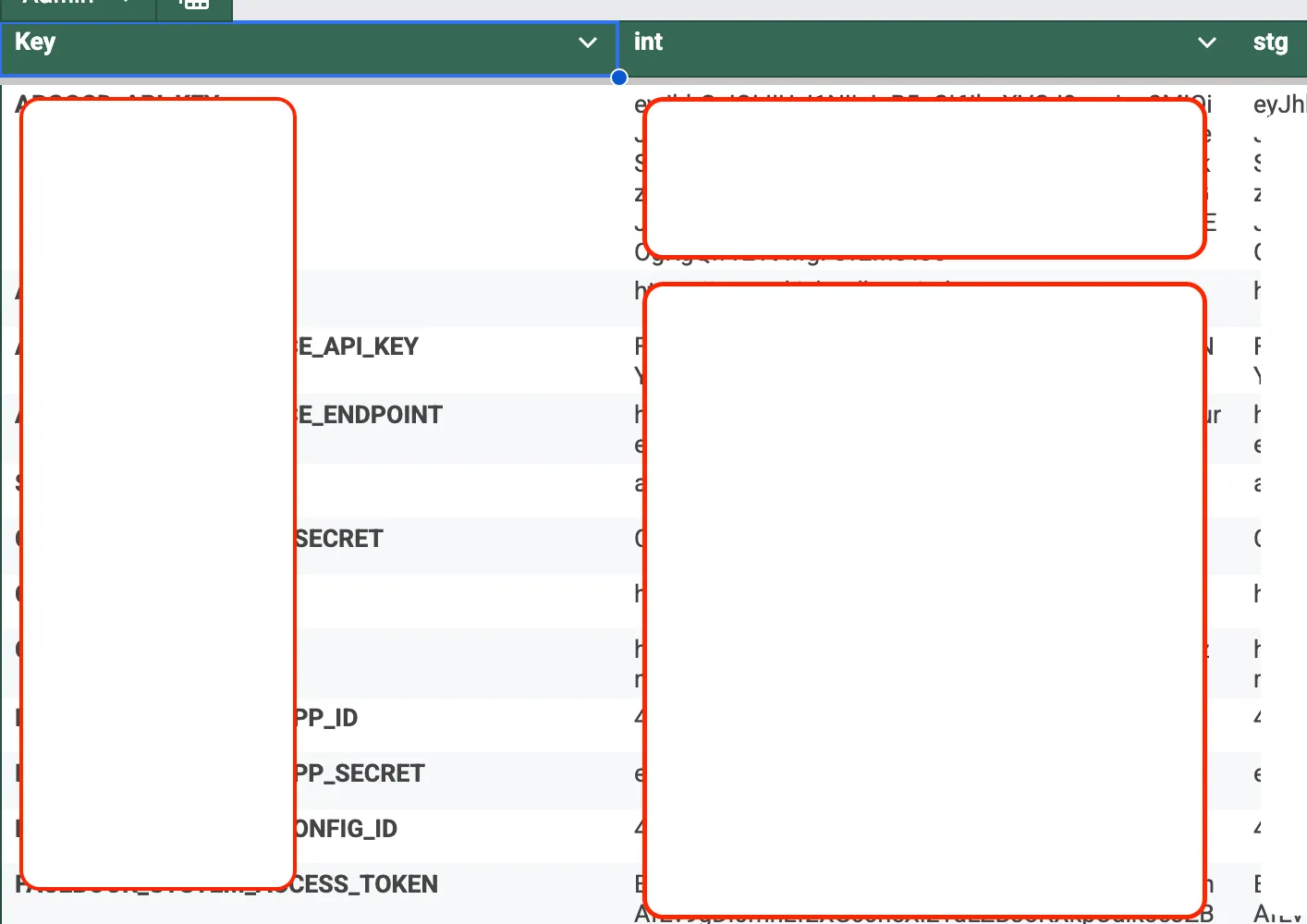 |  | 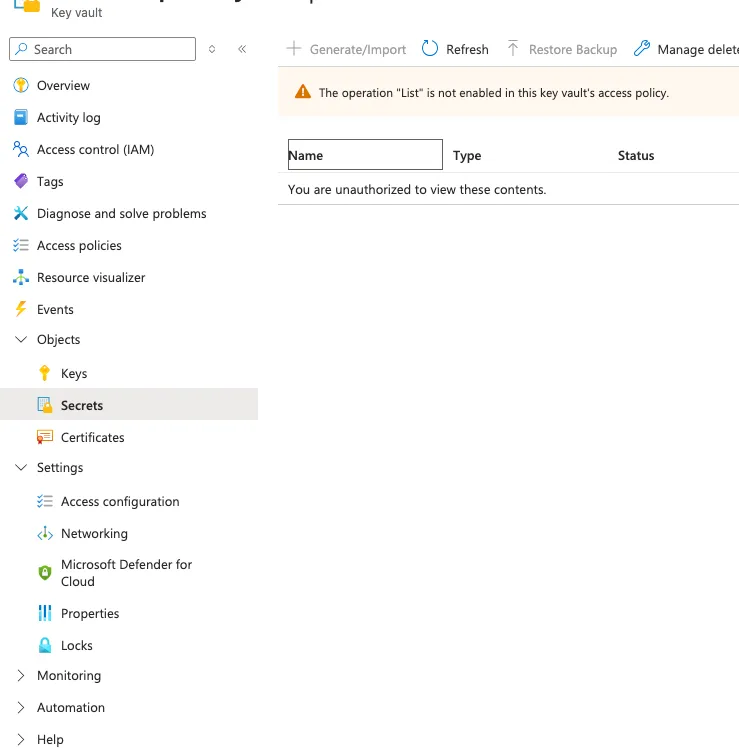 |
On top of that, I didn’t even have access to Azure Key Vault, and the authoritative attitude of the DevOps person was quite intimidating for me as a new hire.
1. First Attempt: Google Sheet-Based CLI (sheetEnv)
The first idea that came to mind was simple.
“Let’s organize environment variables in Google Sheets and build a CLI that parses them to create local
.envfiles.”
I actually started developing it under the name sheetEnv. The structure was to read sheets via the Google Sheets API and generate .env files per project and stage. The initial thought was to leverage the existing spreadsheets that were already in use.
But I quickly hit a wall.
WARNING
- Each developer needed a service account key locally for Google API authentication
- This created an ironic situation where we needed “environment variables to manage environment variables”
- It felt strongly like we were reinventing the wheel
2. How Do Other Teams Handle This?
After abandoning sheetEnv, I asked developers around me. Here’s a summary of their responses:
| Approach | Pros | Cons |
|---|---|---|
| Store directly in a private repository | Simple, Git history tracking | Security vulnerability, manual sync |
| HashiCorp Vault | Strong security, dynamic secrets | Complex CI/CD integration, learning curve |
| AWS Secrets Manager | AWS ecosystem integration | Requires AWS infrastructure |
| Infisical / Doppler | Excellent DX, SDK provided | External SaaS dependency |
Surprisingly, storing .env files in a private repository was quite common. Vault was powerful but the CI/CD integration and learning curve were daunting, and AWS Secrets Manager didn’t fit our infrastructure.
Then it hit me.
“We’re using Azure infrastructure. There must be something similar in Azure, right?“
3. Making Azure App Service Environment Variables the SSOT
After investigating, the answer was already within our infrastructure.
- Azure App Service → Environment variables were already being managed in Application Settings
- AKS (Azure Kubernetes Service) → Environment variables existed in a shared ConfigMap
- Azure CLI (
az) could fetch these values programmatically
The key insight was this:
IMPORTANTThe deployment environment’s environment variables should be the source of truth.
Whether it’s GitHub Secrets or Google Sheets, ultimately the environment variables where the actual service runs are the most accurate values. So why not just pull them directly from there?
Birth of the Internal CLI
I built an internal CLI package based on Azure CLI. Here are the core features:
# Fetch environment variables from Azure App Service and create .env file
ich-cli env pull
For App Service:
- Distinguish stages (dev, staging, production) based on Deployment Slots
- CLI auto-detects the slot and parses the environment variables for that slot
For AKS:
- Read environment variables from the shared ConfigMap
For the infrastructure repository:
- Explicitly read required environment variables from Key Vault
With this approach, all projects in the frontend team (SaaS web app, admin, client, infrastructure) began managing environment variables through a single CLI.
Side note: The npm i -g trap
Initially, I guided the team to install globally with npm i -g @icloudhospital/ich-cli. But every time I updated the CLI, I had to announce “please reinstall” to the team. Since versions were pinned locally, some team members were pulling environment variables with an old version. Eventually, we switched to npx.
npx @icloudhospital/ich-cli env pullSince npx always fetches and runs the latest version, all team members could use the same version of the CLI without any separate synchronization.
4. Leveraging Next.js Environment Variable Load Order
Our entire frontend uses Next.js. Next.js has a clear priority order for loading environment variables.
1. process.env
2. .env.$(NODE_ENV).local
3. .env.local (Not checked when NODE_ENV is test)
4. .env.$(NODE_ENV)
5. .env
I designed the files generated by the CLI to leverage this loading order.
.env.development        ← Azure dev env vars (generated by CLI)
.env.development.local  ← Developer local overrides (managed by developer)
.env.production         ← Azure prd env vars (generated by CLI)
.env.production.local   ← Developer local overrides (managed by developer)
TIP
.env.*.localfiles have higher priority in the load order. This means if a developer putsAPI_URL=http://localhost:3000in.env.development.local, it overrides the value from.env.developmentgenerated by the CLI.
# .env.development (values fetched from Azure by CLI)
API_URL=https://dev-api.example.com

# .env.development.local (developer local override)
API_URL=http://localhost:3000
Thanks to this, developers no longer needed to manually change URLs. They could test dev/prd environments locally and even verify Docker builds just by switching NODE_ENV between next dev and next build.
5. New Problem: Build-time vs Runtime Environment Variables
Everything was going smoothly up to this point. But a new problem emerged.
In Next.js, environment variables with the NEXT_PUBLIC_ prefix are inlined at build time. This means they are replaced with actual values at build time and included in the bundle.
// Before build
const apiUrl = process.env.NEXT_PUBLIC_API_URL;

// After build (inside the bundle)
const apiUrl = "https://api.example.com";
But why did Next.js choose this inlining strategy? I was curious and researched it.
Fundamentally, browsers cannot access process.env. To deliver environment variables to client code, you have three options:
(1) Inline at build time
(2) Server injects into HTML response
(3) Fetch via API
Since Next.js needs to work in environments without a server, like static builds (next export, SSG), it chose the most universal option (1) as its default strategy.
This inlining is internally done through webpack’s DefinePlugin. It directly replaces process.env.NEXT_PUBLIC_X with string literals, and this isn’t just simple value assignment—it has a side effect called Dead Code Elimination.
// Before DefinePlugin replacement
if (process.env.NEXT_PUBLIC_FEATURE_FLAG === 'true') {
  // feature code
}

// After replacement (when value is 'false')
if ('false' === 'true') {
  // feature code
}

// After Terser minification → Since the condition is always false, the entire code block is removed
In other words, unused code is automatically removed from the bundle based on environment variable values, reducing the final bundle size. This pattern originally started from Create React App’s REACT_APP_ convention, and Next.js adopted the same approach in v9.4.
CAUTIONIt’s a reasonable design decision, but the trade-off is clear. Since values are fixed at build time, it’s impossible to deploy the same build artifact to different environments. And this is exactly where we ran into problems.
This caused issues.
When building Docker images, NEXT_PUBLIC_* environment variables had to be injected, which meant these values also needed to be in GitHub Secrets. This brought us right back to the problem of scattered environment variables.
Additionally, situations arose where we wanted to reference NEXT_PUBLIC_* environment variables at runtime in client code. But since values were replaced at build time, it was impossible to deploy the same Docker image to different environments (dev, staging, prod) while just changing the environment variables.
// Using this locks the value at build time
const value = process.env.NEXT_PUBLIC_VALUE // ❌ Cannot change at runtime
Previously, we were working around this problem using Next.js’s publicRuntimeConfig and serverRuntimeConfig.
// next.config.js
module.exports = {
  publicRuntimeConfig: {
    API_URL: process.env.API_URL,
  },
  serverRuntimeConfig: {
    SECRET_KEY: process.env.SECRET_KEY,
  },
}
We specified environment variables commonly used across build time, runtime, and server-side here and accessed them through getConfig(). However, this approach had limitations.
WARNING
- The official documentation explicitly states this is no longer recommended
- Not supported in App Router
- Only worked on pages using
getServerSideProps
We couldn’t keep relying on an approach that was being deprecated, so we needed to find a different direction.
6. Solving Runtime Environment Variables: next-runtime-env
While mulling over this problem, I came across a blog post from Kakao Entertainment’s tech blog. It addressed the same problem, and through it, I learned about the next-runtime-env package.
Loading repository data...
The principle is remarkably simple.
- On the server, read
NEXT_PUBLIC_*values fromprocess.envand inject them intowindow.__ENVvia a<script>tag - On the client, reference environment variables at runtime through
window.__ENV
// app/layout.tsx
import { PublicEnvScript } from 'next-runtime-env'

export default function RootLayout({ children }) {
  return (
    <html>
      <head>
        <PublicEnvScript />
      </head>
      <body>{children}</body>
    </html>
  )
}
// In a client component
import { env } from 'next-runtime-env'
const apiUrl = env('NEXT_PUBLIC_API_URL') // ✅ Read value at runtimeThe code itself is simple, but the abstraction was well done, making it immediately adoptable. By applying this to all projects:
- Deploy to multiple environments with a single Docker image
- No need to duplicate
NEXT_PUBLIC_*environment variables in GitHub Secrets - Simplified build process
Final Architecture
After all the improvements, here’s the final environment variable management structure:
┌─────────────────────────────────────────────────┐
│              Single Source of Truth              │
│                                                  │
│   Azure App Service (Slots) / AKS ConfigMap      │
└──────────────────────┬──────────────────────────┘
                       │
                  Internal CLI
                       │
         ┌─────────────┴─────────────┐
         │                           │
    Local Dev                   Docker Build
         │                           │
  .env.development              next-runtime-env
  .env.production               (Runtime env vars)
         │
  .env.*.local
(Developer overrides)| Before | After |
|---|---|
| Scattered across GitHub Secret, Google Sheet, Key Vault | Azure App Service/AKS as SSOT |
Sharing .env files via Slack | Sync env vars with a single CLI command |
| Manual management per stage | Auto-detection based on Slots |
| Docker image build per environment | One image + runtime env vars |
Wrapping Up
Looking back, the core was a single question: “Where should we place the source of truth for environment variables?”
Google Sheets, private repositories, Vault—they’re all ultimately copies. The configuration values in the Azure environment where the actual service runs are the most accurate source, and pulling directly from there naturally resolves synchronization issues.
It’s not a perfect solution. Azure CLI authentication is required, and it can’t be used offline. But at least the question “Is this environment variable value correct?” no longer comes up.
If your team is struggling with environment variable management, I recommend looking first at whether the answer already exists within the infrastructure you’re already using before seeking out grand solutions.